SYMAP® Parameter Tool
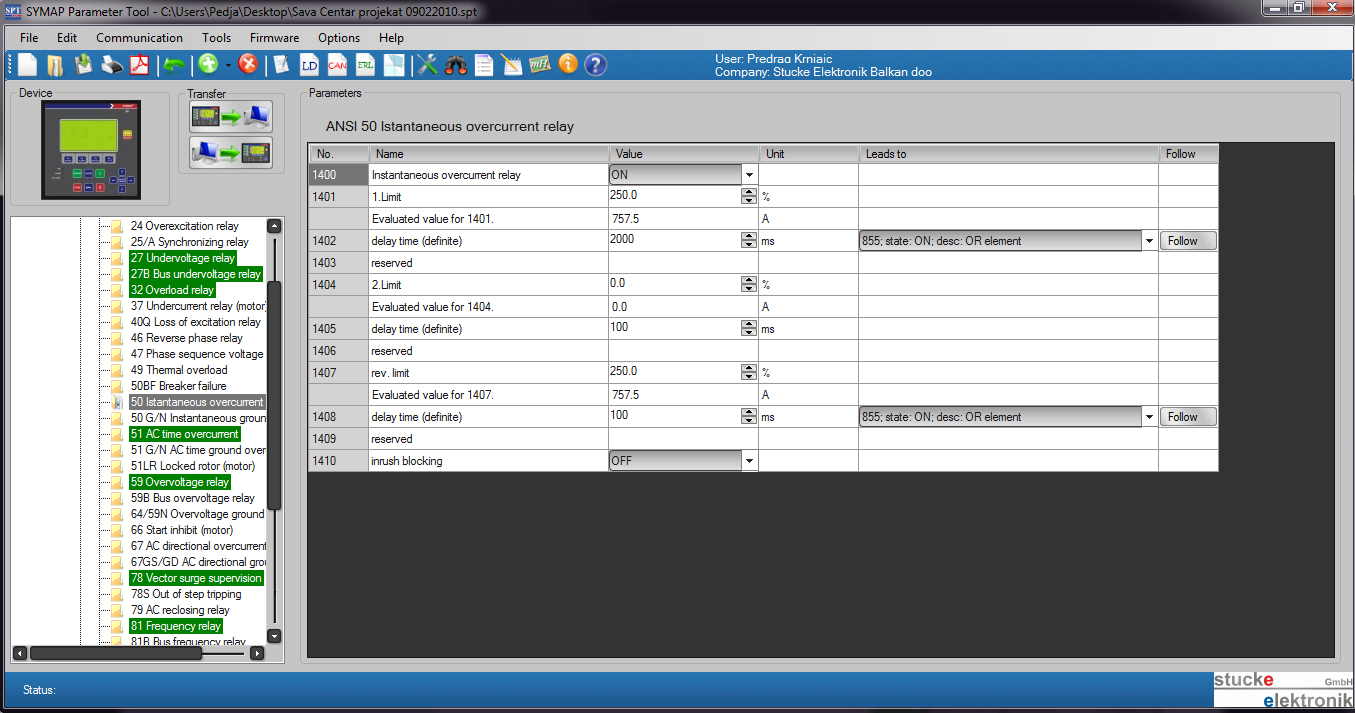
• Create Project with Substations and Devices(type:BC, X, Y)
• Easy for use
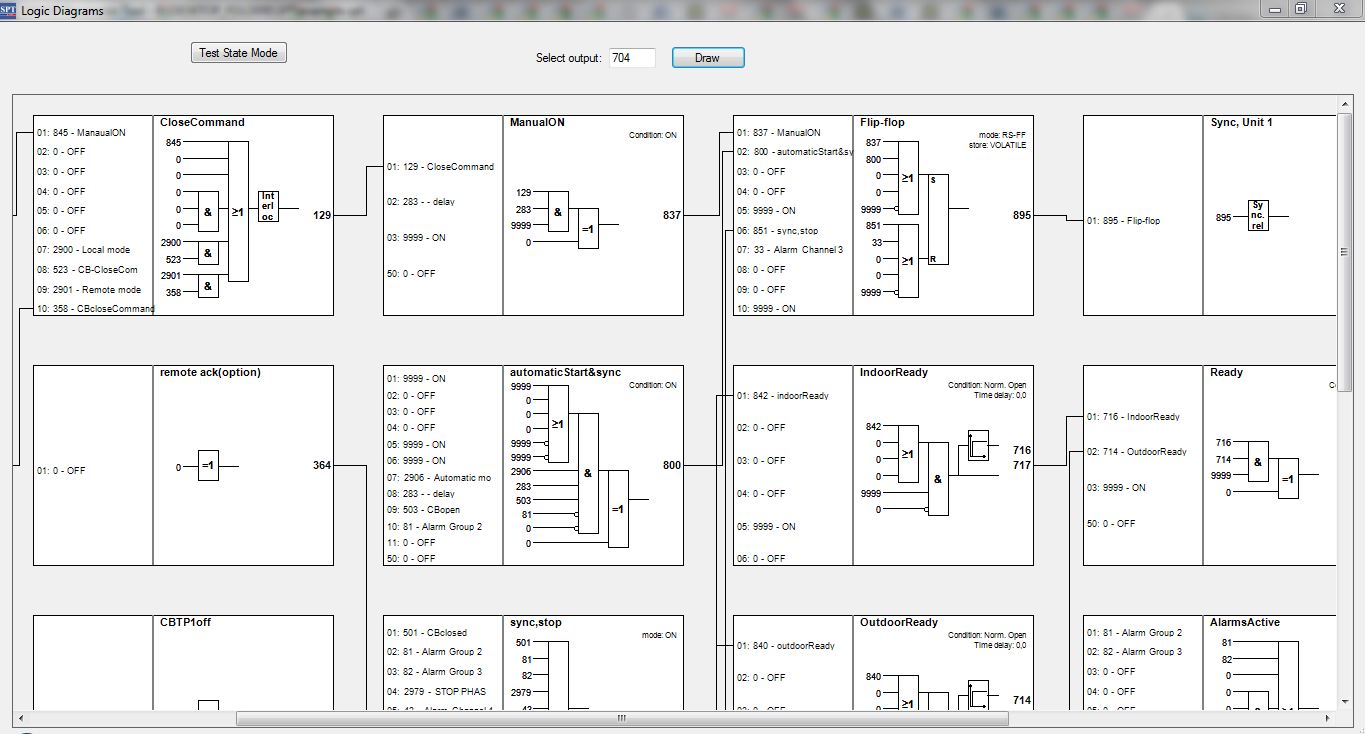
• Logic designer and Logic diagrams preview tool
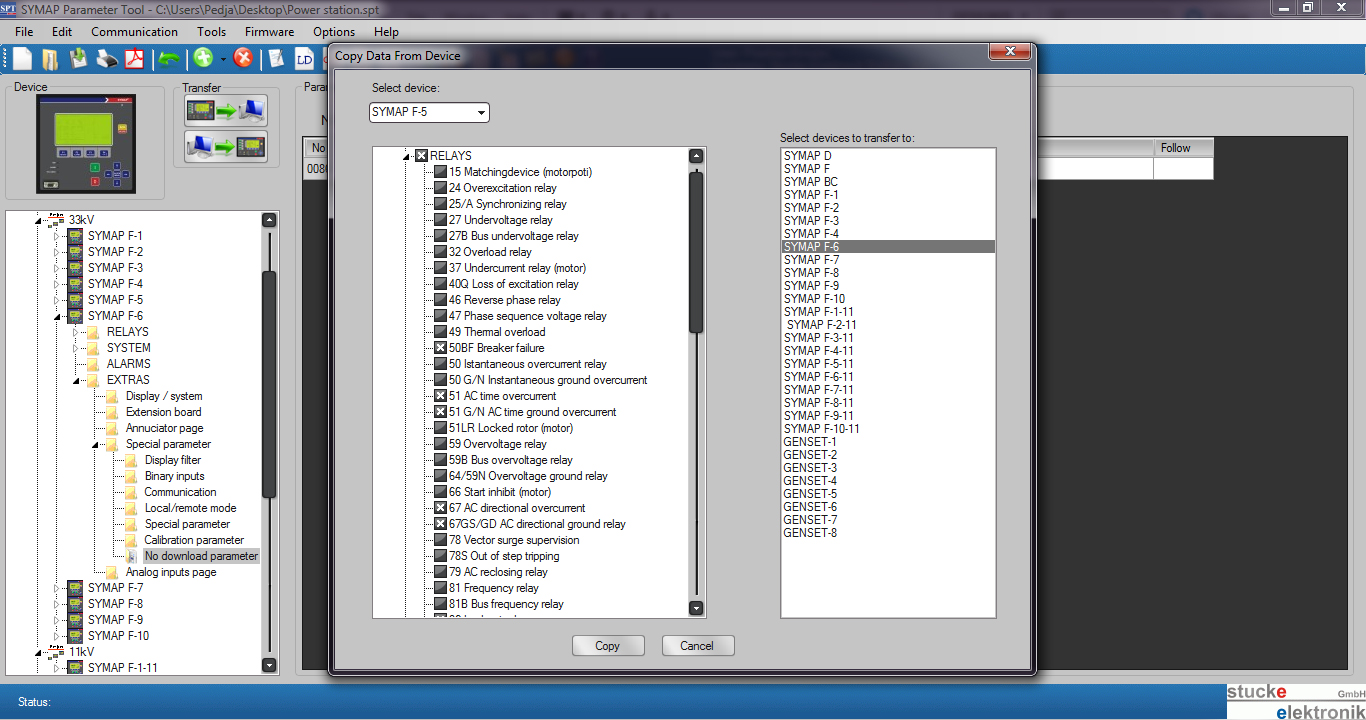
• Copy and Paste from one device to other devices
• Import any part from other Project file to existing project
• Compare device settings
• Search, replace, exchange
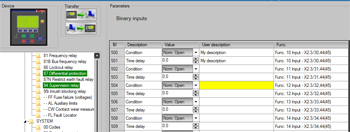
• Users descriptions for inputs, outputs and logical blocks
• Export to PDF
• Firmware Update Tool integrated
• Graphic Builder
• History Tool integrated
• Easy Mode Tool(for genset applications )
• Multilanguage Menu
|
|
|
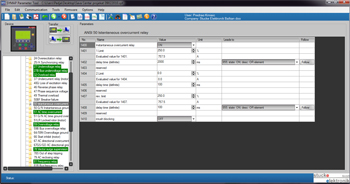
Create Project with substations and devices
Start you Project and divide it in Substations for better overview of the Project. Integrate all SYMAP devices for medium voltage protection: as feeders,
transformers, motor protections, line differential or differential devices and generator power station: emergency or prime power or hydropower IN TO ONE PROJECT FILE.
.
|
|
 |
.
|
|
Logic designer and Logic diagrams preview
With Logic designer you cam easily make your logic and automation procedure. You can view and add all PLC functions from the device in Logic Designer and preview it with Events numbers or with your User descriptions.
Save your complex or standard Logic Diagrams int to separate file, for start, stop, manual or automatic procedure and load it in to another Project/Substation/Device and all settings from loaded diagrams are automatically integrated.
|
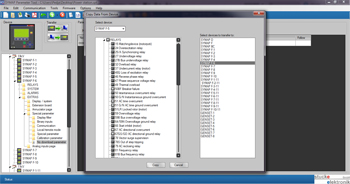
Copy and Paste
You can copy any part or of the settings or all settings from one device to other device. Reduce your time in preparing the settings.
Copy any selected part of the window and paste it to the same window in other device.
|
|
 |
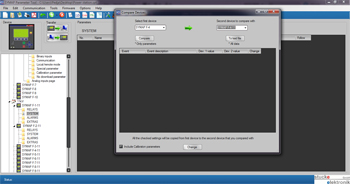
Compare device settings
On one device everything works fine, on other there is some problem. Quickly check and find difference from two selected devices and exclude or correct the settings problems fast and easy.
|
|
 |
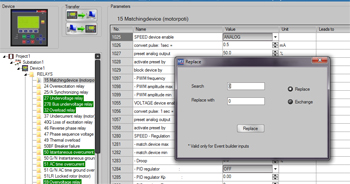
Search, replace, exchange
Don't change the wiring or logic, simple replace the events with correct one with only one click.
|
|
 |
.
|
|
Users descriptions for inputs, outputs and logical blocks
Named all your inputs and outputs (binary inputs, binary outputs, analog input and outputs (4-20mA. 0-10V, PT100…) logical blocks…
|
.
|
|
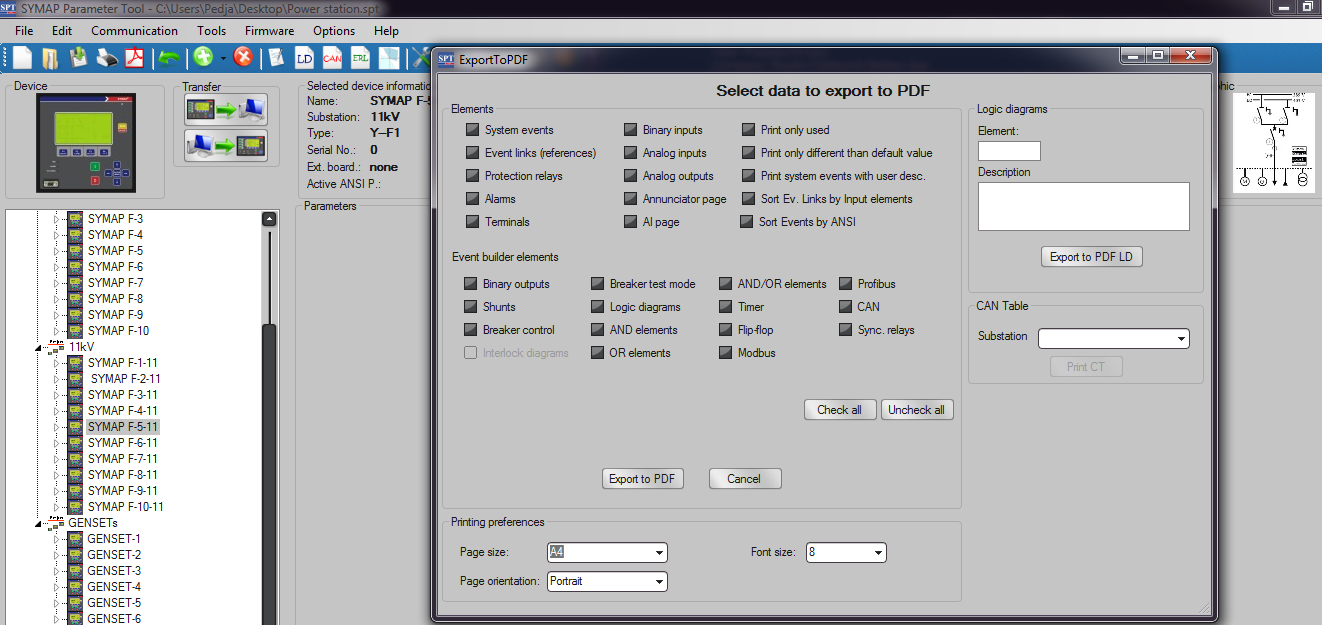
Export to PDF
• Make fast PDF archive or report for the selected device
• Terminals
• Protection settings
• Alarms
• Inputs/outputs
• Logical Blocks/diagrams
etc.
|
.
|
|
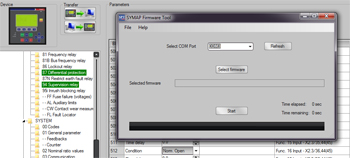
Firmware Update Tool integrated
Change or upgrade the device firmware easily from the Parameter Tool
Graphic Builder
• Design your single line on the device display;
• Self-design four your pages on display and show elements graphic as you like
History Tool integrated
Download the protection, event and start/stop history from the device and analyze the history on your computer
|
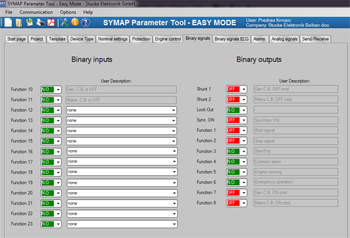
Easy Mode Tool - Announcement
(third quarter of this year)
Easy mode is simple and easy tool for genset applications up to two CB.
For simple applications or serial genset production. Requires only few steps to setup control and protection of the genset.
|
|
 |
|